

PATIENT PORTAL
Your athenahealth Patient Portal
Manage your health on your terms — appointments, messages, records, and billing all in one secure place.
ABOUT YOUR PORTAL
Your Health, All in One Place
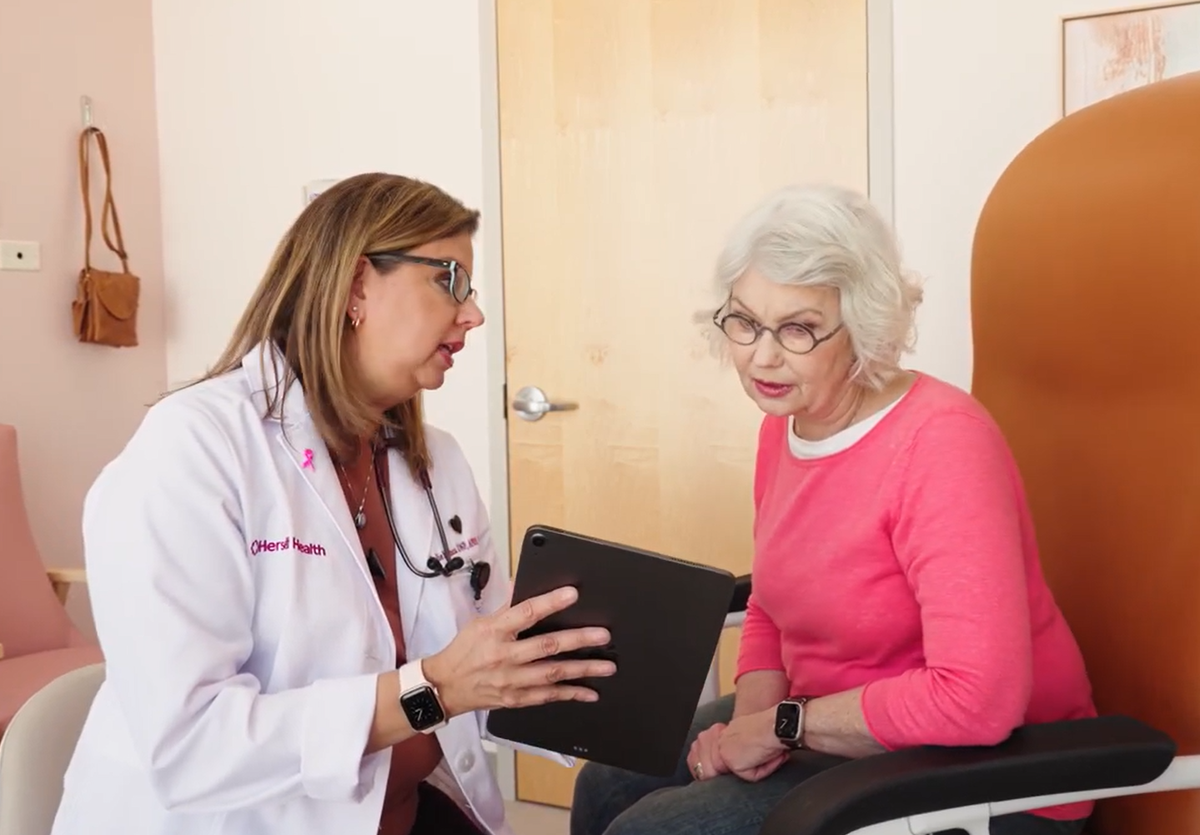
At Herself Health, we use the athenahealth patient portal to help you stay connected to your care team and on top of your health. Through the portal or the free athenaPatient mobile app, you can schedule appointments, message your provider, view lab results, request prescription refills, pay bills, and more — anytime, from anywhere.
Whether you're a new patient setting up your account for the first time or a returning patient looking for help, this page has everything you need.
For assistance, give us a call at (888) 290-1209 — a member of our team will be happy to help.
PORTAL FEATURES
What You Can Do With Your Portal
Schedule & Manage Appointments
View upcoming visits, self-schedule new appointments, reschedule or cancel — all online or through the app, even outside office hours.
Check In Before Your Visit
Complete check-in from home before your appointment. Update your information, review medications, fill out forms, and make copayments — so you spend less time in the waiting room.
Message Your Care Team
Securely send and receive messages with your provider and care team. Ask questions, share updates, or request information at any time.
View Test Results
Access lab and imaging results as soon as they're available, along with any notes your provider has added. No more waiting for a call.
Access Your Health Records
View your health summary, visit notes, medication list, medical history, immunizations, and education resources — all in one place.
Pay Bills & View Statements
View and pay your bills online, save payment methods, review past statements, and manage your account balance without picking up the phone.
Request Prescription Refills
Need a refill? Request one or more prescription refills directly through your portal and your care team will take it from there.
Virtual Visits
When available, join a telehealth appointment directly through the portal or app — no extra software needed. Convenient care from wherever you are.
GET STARTED
Setting Up Your Portal Account
Open the Registration Link
Look for a Patient Portal invitation email from Herself Health and click "Create My Account." If you didn't receive one, visit 31254.portal.athenahealth.com and click the "Sign up" link below the login button.
Create Your Password
Confirm your email address and create a password. Review and accept the Terms and Conditions and Privacy Policy, then click "Create account."
Set Up Account Security
Choose a security option to protect your account: receive a verification code by text (recommended), by phone call, or set up a security question.
Verify Your Identity
Enter the verification code you received, or answer your security question. You may also need to verify the phone number on file with our office.
You're In!
Your portal home page will appear with upcoming appointments, test results, messages, and more. Download the free athenaPatient app for easy mobile access with Face ID or fingerprint login.

GOOD TO KNOW
What You Should Know
Already Have an Athena Portal?
If you already have an athenahealth login with another provider, you can access all of your Athena provider portals through one login — no need to create a separate account.
Download the App
The athenaPatient app is free on the App Store and Google Play. Log in with the same email and password you use for the web portal. The app supports Face ID and biometric login for faster access.
What to Bring to Your Visit
Please bring your photo ID and insurance card to each visit. If you've completed online check-in ahead of time, your visit will be even smoother.
Communication Preferences
You can choose how you want to be reminded about appointments, health updates, and billing — by email, text, or mail. Update your preferences anytime in your portal: click your name in the top right corner, select Notification Settings, and choose which alerts you'd like to receive.
ACCOUNT & LOGIN
Account & Login Help
You can register directly from the portal website: 1. Visit 31254.portal.athenahealth.com. 2. Click the "Sign up" link below the "Log in with athenahealth" button. 3. Enter your first name, last name, and click "Email Me." 4. Check your email for a message with a "Create My Account" link. 5. Click the link and follow the prompts to create your password and set up security. If you run into any issues, call us at (888) 290-1209 and a team member will walk you through it. We can also help you set up your account in person at your next visit.
Yes, you need an email address to register and log into the patient portal. However, you can still check in for appointments online without an email — a unique link will be sent to your phone number. You can also check in at the front desk when you arrive.
This is a one-time security step to protect your health information. During registration, you'll choose how to verify your identity: by text message (recommended), phone call, or security question. This ensures only you can access your account, and helps you recover it if you forget your password.
If you're seeing an "Access Denied" message, try these steps: 1. Make sure you're using an up-to-date browser (Chrome, Safari, Edge, or Firefox). 2. Double-check the email address you're entering matches the one we have on file. 3. Clear your browser cache and cookies, then try again. 4. If you recently changed your email, call us at (888) 290-1209 so we can update your record first. If the issue persists, give us a call and we'll resolve it for you.
1. Go to your Patient Portal Welcome page (31254.portal.athenahealth.com). 2. Click the "Forgot password" link below the "Log in with athenahealth" button. 3. Follow the prompts to verify your identity using the security option you set up during registration (text, call, or security question). 4. Once verified, you'll be able to create a new password. If you're still having trouble, call us at (888) 290-1209 and we'll help you regain access.
The athenaPatient app is available for free on both iOS and Android. 1. Open the App Store or Google Play on your phone. 2. Search for "athenaPatient." 3. Download the app and log in with the same email and password you use for the web portal. The app supports Face ID and fingerprint login for quick access. Note: some features may only be available on the web portal.
If you are an authorized caregiver who needs access to a family member's portal, please contact our office at (888) 290-1209 for assistance setting up caregiver access. You can also manage family access within the portal: 1. Log in and click on your name in the top right corner. 2. Click "My Profile." 3. Select the "Family Access" tab, then click "Invite Family Member." 4. Enter their information and choose "Full" or "Billing Only" access. They'll receive an email invitation to set up their access.
No. If you use the same email address, you can access all of your athenahealth provider portals through a single login. Your Herself Health portal will appear alongside your other providers automatically.
Yes. The athenaPatient app supports Face ID on iOS and fingerprint login on Android, so you can access your portal quickly and securely without entering your password each time.
If your account has been locked due to multiple failed login attempts, please call our office at (888) 290-1209. A team member can unlock your account and help you reset your password.
For the best experience, use the most up-to-date version of one of these browsers: Google Chrome, Microsoft Edge, Mozilla Firefox, or Safari. If you're having trouble loading the portal, try switching to a different browser or clearing your cache.
YOUR HEALTH
Your Health Information
1. Log in to your portal and click the "My Health" tab on the left side. 2. Select "Medications" near the top of the page. 3. Find the medication you need refilled and click "Request Refill." Your care team will review and process your request.
Log in to your portal and click the "My Health" tab on the left side. From there you can access your health summary, visit notes, medications, medical history, immunization records, health forms, and learning materials provided by your care team.
Lab and test results appear on your portal Home page when they're ready. You can also click the "Test Results" tab on the left side to see your latest and past results, along with any notes from your provider. If you have questions about your results, message your provider through the portal or call us at (888) 290-1209.
Yes. You can download your records and send them to another provider. 1. Log in and click "My Health" on the left side. 2. Select the "Health Records" tab near the top of the page. 3. Select a date range and choose to download, email, or exchange records directly with another provider.
Your provider may share educational resources with you during or after your visit. 1. Go to "My Health" and click the "Learning Materials" tab. 2. You can view, download, or print any documents your provider has added. Have questions? Message your provider or call (888) 290-1209.
Yes. Click your name in the top right corner of the portal, then select "My Profile." From there you can update your address, phone number, email, and other personal details. To update your insurance information, please call us at (888) 290-1209 and we'll help make that change.
Yes. If you use a personal health record (PHR) app, you can connect it to your athenahealth account to share your data. Visit the athenahealth Marketplace at marketplace.athenahealth.com to see which apps are currently registered. You can choose exactly which data to share, and revoke access at any time through your portal's Security Settings.
While other providers may use different portal systems, your health information can still be shared. Minnesota's Health Information Exchange (HIE) allows providers across the state to securely access patient records (with your consent). We can also communicate with your specialists through secure electronic messaging or by phone.
STAY CONNECTED
Messaging Your Provider
1. Log in to your portal and click the "Messages" tab. 2. Select "Compose Message." 3. Choose the message type, your provider, and location from the drop-down menus. 4. Add a subject line and write your message. You can also attach images (but not insurance or billing documents). Our care teams monitor their inboxes regularly. If you don't hear back within 2 business days, give us a call at (888) 290-1209.
If you've opted into email or text notifications, you'll receive an alert when your care team sends you a message. You can also check for new messages anytime by logging in — they'll appear on your Home page or under the "Messages" tab.
Our team monitors inboxes throughout the day and will respond as soon as your care team has reviewed your message. If you don't receive a response within 2 business days, please call us at (888) 290-1209 and we'll follow up for you.
BILLING
Billing & Payments
There are several ways to pay: Through your portal: Log in, go to the "Billing" section, and click "Make a Payment." Enter your credit card information or select a saved card. Without logging in: Visit payment.athenahealth.com and enter the code from your paper or email statement. During check-in: If you check in early via email or text, you may be able to make a payment toward your copay or balance at that time.
On your "Billing" page, you can view your full payment history, past statements, and manage your saved payment methods. If you believe there's an error on your bill, please call us at (888) 290-1209 and we'll look into it.

LEARN MORE
Additional Resources
Need more help? These official athenahealth resources have guides, FAQs, and video walkthroughs for using the patient portal and app.
Need Help? We're Here for You.
Whether you need help setting up your account, navigating the portal, or just have a question — our team is ready to help. Give us a call or stop by at your next visit.